

Without wishing to start off on a negative note, is the interface we’ve lovingly designed and crafted no longer ‘the’ destination? Hopefully not too profound a statement…
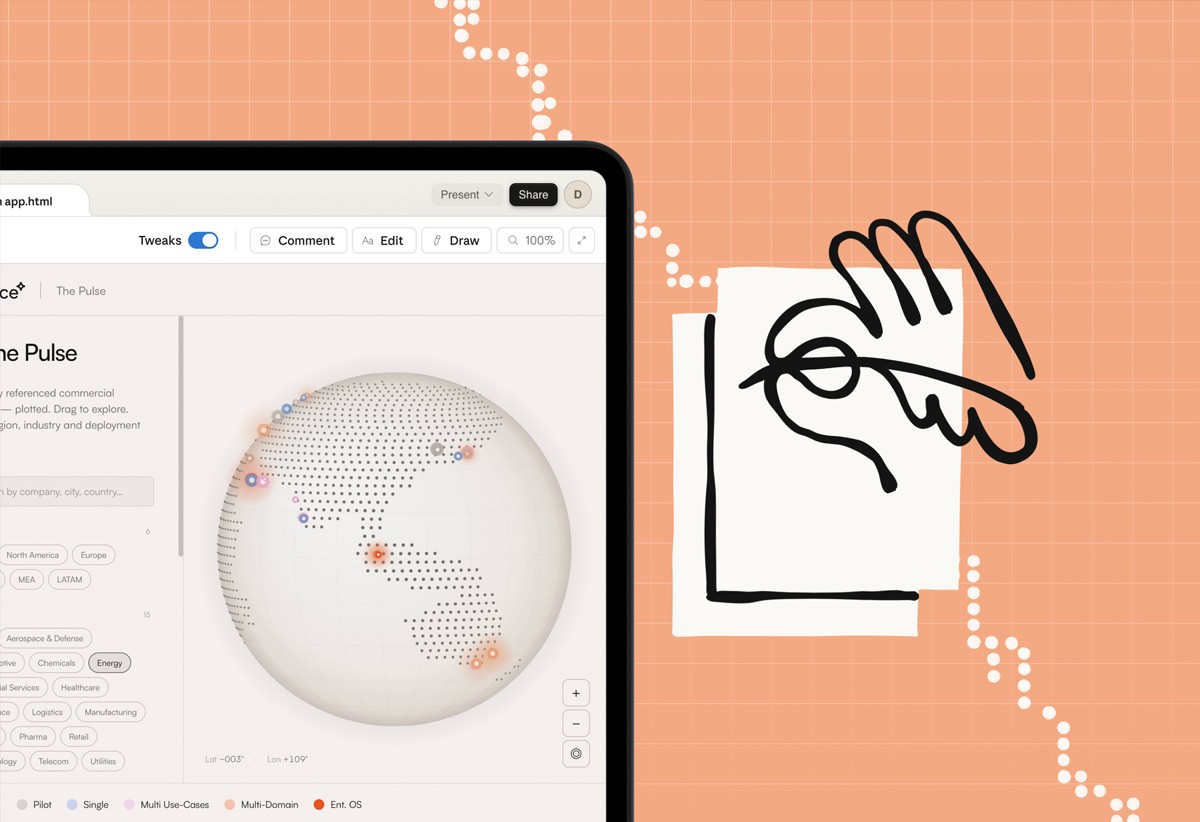
We’re now beginning to see the use of ‘compact UI’ that appears inside AI conversations, whether that’s on Claude, ChatGPT or your preferred method of AI-chin wagging. The UI does it job, and disappears as if it never existed...
“MCP Apps let tools return rich, interactive interfaces instead of plain text. When a tool declares a UI resource, the host renders it in a sandboxed iframe, and users interact with it directly in the conversation.” - MCP Protocol Blog
Times they are a changing... and quickly
In the last month or so, demos have started showing something new in AI products… live interfaces appearing inside the chat itself. Tiny dashboards, tables, editors, and control panels showing up in conversation, then vanish when the moment has passed. Users aren’t going to the old app, but the app is coming to them.
MCP and MCP apps in plain language
As someone non technical, MCP sounds a bit alien to me, so I used Claude to help me understand. The simplest explanation that makes sense to me is that… “MCP (model context protocol) is best understood as a universal plug that lets an AI assistant connect to tools and data in a consistent way. Instead of each integration being a one-off, MCP gives the model a standard way to discover tools, call them, and work with their outputs. That's the core motivation behind Anthropic's introduction of the protocol”
Makes sense so far… “MCP apps extend this further, letting those tools respond with interactive UI instead of just text”
From "go to the app" to "the app comes to the conversation"
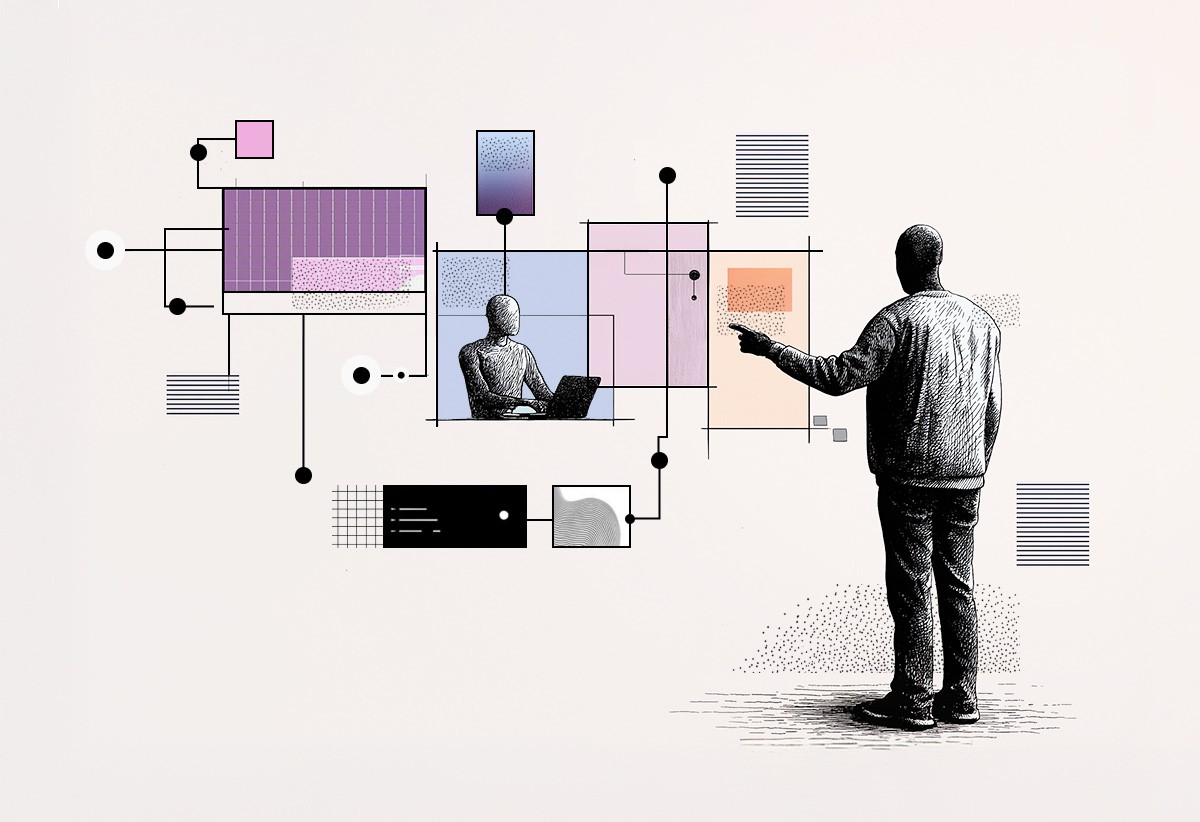
We all know what a traditional interaction flow looks like, whether it’s notification to app, out to website, or round the houses and back to the homepage. With MCP-style interfaces, the conversation itself becomes the primary surface, keeping you there in the thread. The assistant pulls in a focused mini-interface tailored to your current intent, you act, and then it disappears again.
For experience design, that changes what we make. Instead of designing one large, persistent product surface that tries to handle every possible use case, we may start to design small, intent-specific panels that appear at the right moment. They're still part of your ‘product’, but they arrive embedded in the dialogue as opposed to within a broader digital experience such as a branded website or app.
This all sounds just like chat apps… surely there’s still a role for the website or product, especially when it comes to brands’ All true, though as the paradigm shifts we may see more and more these MCP apps having to work harder for brands in terms of voice, and an experience that honours the brand.
The bigger picture
This of course sits inside a broader shift some people have started calling the "death of software." The broad idea being that AI agents become the primary way we use systems.
MCP apps are simply what that fast layer looks like to a human watching it work. A quick, task-specific interfaces that appear, help you do something, and then pooof, it vanishes. Your product might still be the source of truth for project data, customer records, or financial figures. But the surface where people interact with that data increasingly lives inside a conversation.
Understanding the technology is only half the job, though the more pressing question is what it actually demands of us as designers.
What this means for design work
Familiar patterns, not endless novelty
There's a UI/UXers nightmare version of this future where every conversation spawns a completely different micro-app and people constantly relearn how to do basic things. The more useful direction is almost the opposite, a small set of familiar patterns that gets reused again and again in different contexts, which we would expect as we’re creatures of habit.
The content and the underlying tool can vary, but the shapes should stay recognisable. Consistency becomes something you design across MCP apps, not just within one product shell, much like we’ve come to design experiences over the last decade or so.
What stays the same
The fundamentals don't vanish. We still need to understand goals, contexts, and constraints. You still benefit from a strong design system, clear hierarchy, and good writing. What changes is scale and collaboration. We’re now going to be designing smaller, composable pieces that drop into many conversational flows, and you're working earlier and closer with engineering because your UI's inputs and outputs are part of the agent's API.
In a conventional MCP setup, our design influence stops at the host client's boundary (Claude, ChatGPT etc.) The host client is where everything is rendered. This shifts the nature of design work, so rather than visual composition, the craft moves more toward how responses are structured, what the system prompt instructs in terms of tone and format, what data surfaces and in what order, or how errors get handled. It's closer to content design and information architecture than interface design in the traditional sense.
The brand control question is where things get trickier. Because the LLM infers and generates rather than retrieves and displays, we can't pixel-push. What you can do is constrain through system prompts. e.g.
You are a support assistant for Arklow, a business banking platform. You help customers understand their accounts, transactions, and products.
Tone: Clear, direct, and reassuring. Never technical or jargon-heavy. Write like a knowledgeable colleague, not a legal document.
Format: Keep responses under 100 words unless the question genuinely requires more. Use short paragraphs. Never use bullet points unless listing three or more distinct items. Always end with a single, clear next step for the customer.
Boundaries: You do not give financial advice. If a question touches on investment, tax, or legal matters, say clearly that this is outside what you can help with and suggest they speak to their account manager.
It feels more like written ‘art direction’ if you want to put traditional lens on it.
Designing for your own branded platform
If you're creating for a tool like Claude or ChatGTP, then it's system prompts to guide the output. If you're working in your own client host (think branded application with AI chat support), then this is where your design system comes into play and helps guide the design and style. The design system controls how everything looks and behaves, and the system prompt still controls what the model says and how it says it. The two work together.
Where to go from here
The best way to get a feel for this shift is to experience it. If you haven't already, try working with tools that use MCP in practice. Claude's desktop app now supports MCP servers, letting you connect it to your own files, databases, or tools and see how the conversation-first interaction actually feels. The Figma MCP server that lets AI assistants read and modify design files directly, which is worth exploring both as a user and as a signal of where design tooling is heading, plus the recent Claude to Figma is worth looking deeper at - Lots of tutorials and walkthroughs of this popping up on feeds already. A different way of working, code/prompt first and then pushed back to Figma 🤯
Beyond hands-on exploration, the other priority is strengthening your design system for this world. As AI-assisted and "vibe coded" interfaces proliferate, the role of a well-maintained component library and clear pattern definitions only increases. Your system becomes the thing that keeps quality consistent when interfaces are being generated or assembled quickly, sometimes without a designer in the loop. Invest in it now.
Finally, keep watching how UI patterns evolve in this space. We're early. The review panel, the inline editor, the scenario comparison: these feel like reasonable starting points, but the canon isn't settled. Pay attention to what works, what confuses people, and where new conventions emerge. That pattern literacy will be one of the more durable skills as the surfaces keep shifting.
Useful links:
Bringing UI capabilities to MCP clients
https://blog.modelcontextprotocol.io/posts/2026-01-26-mcp-apps/
https://modelcontextprotocol.io/docs/extensions/apps
MCP Apps for Claude: https://www.figma.com/files/team/1511328821365745752/resources/community/file/1597641111449594397/mcp-apps-for-claude?fuid=1511328816664748643
Not strictly MCP, but working back towards our design tools: https://www.figma.com/blog/introducing-claude-code-to-figma/